Illustration & Graphic Design
Adobe Indesign: Mastering Layout and Print Design
Master layout design. Learn to use InDesign to create professional multi-page documents like brochures, company profiles, and reports.
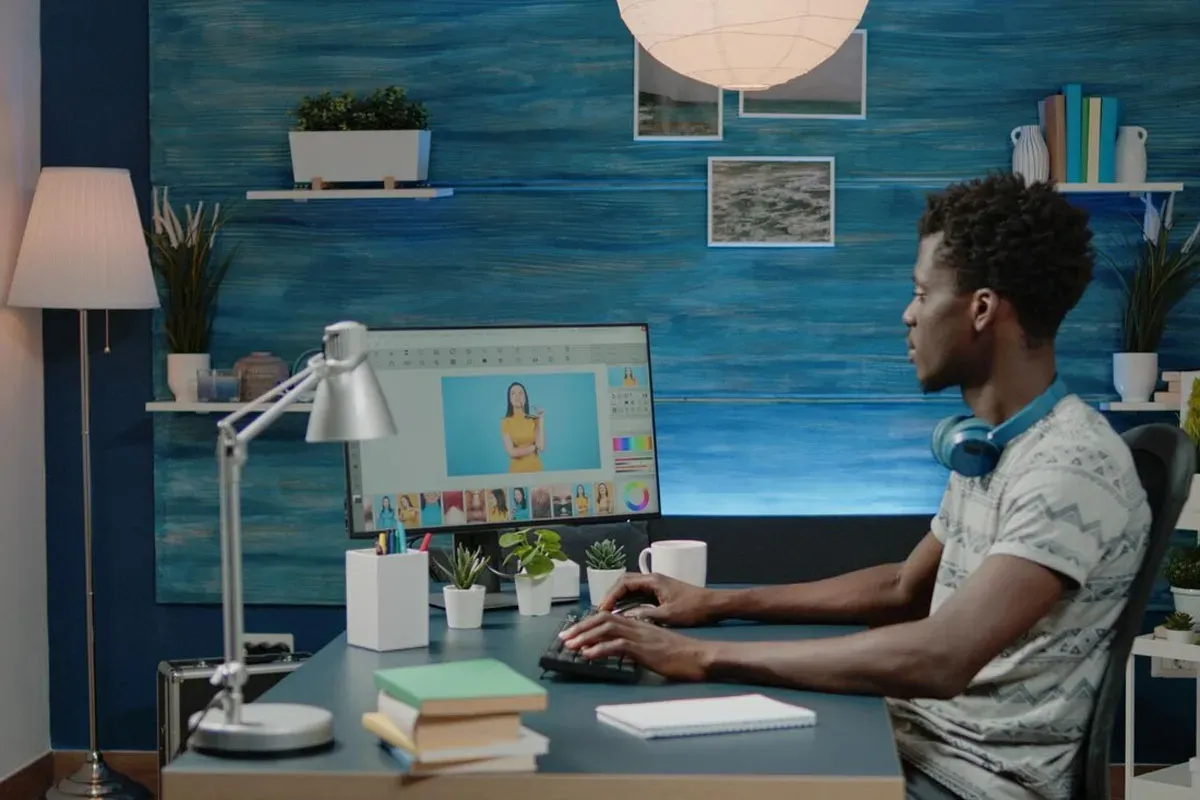
This course unlocks a part of the freelance market that many new designers ignore. Adobe InDesign is the king of layout design, used by professionals to create everything from simple brochures and company profiles to complex magazines and interactive PDFs. Learning this skill allows you to service NGOs, corporate clients, and other high-value customers. We designed this course to be simple and project-based. You will learn how to set up your documents, work with text and images, create master pages to save time, and properly package your files for a professional printer. You'll no longer be afraid of multi-page projects. By the end of this course, you will have the skills to confidently design and deliver high-quality, professional layouts. This skill makes you a "full-stack" designer who can create a logo in Illustrator, edit photos in Photoshop, and design the company brochure in InDesign—making you the only person your client needs to hire.
What you will learn
- Set up multi-page documents correctly from the start
- Work with text and images across a layout
- Create master pages to save hours of repetition
- Build brochures, company profiles and interactive PDFs
- Package files properly for a professional printer